Repair the Cocoro
Repair the Cocoro ── a repair-shop text adventure you play in the browser console
A broken caretaker robot is on your workbench, and you're the engineer. Diagnose her, repair her, and make "that choice" — all by typing real commands into your developer console.
CHECK()
ABOUT()
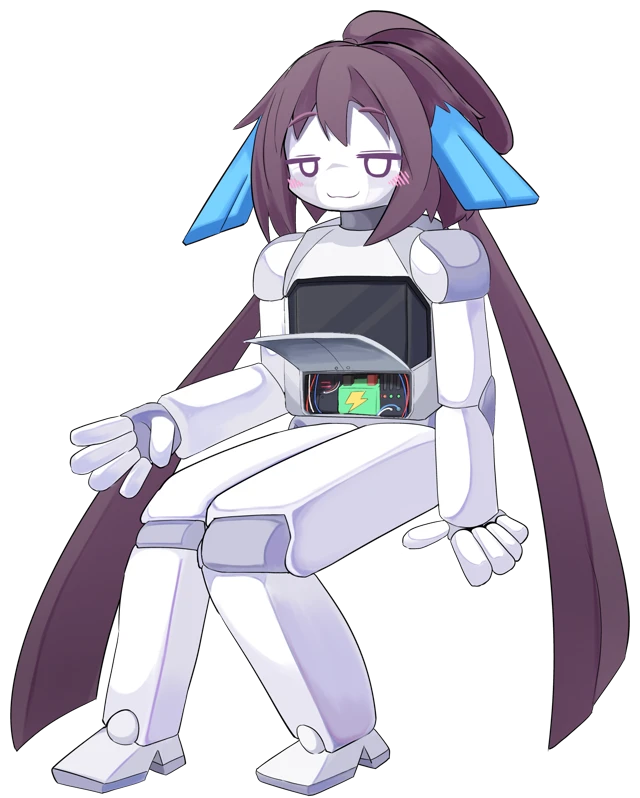
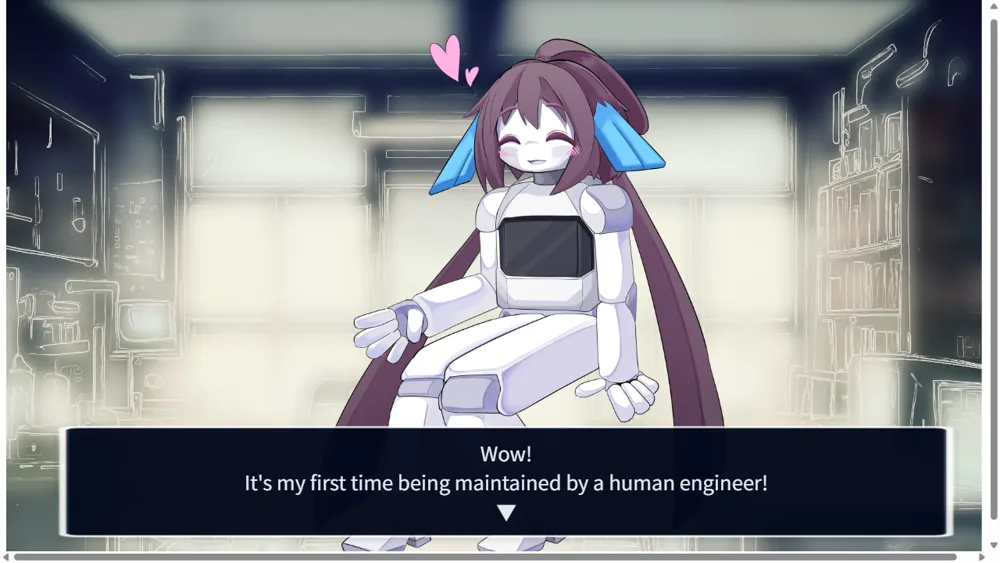
This is a slightly unusual text adventure. You are a maintenance engineer. Today’s patient is Cocoro, a caretaker robot whose battery is near the end of its life. “No matter how much I charge, I get hungry again right away,” she tells you — and it’s your job to look her over and fix her.
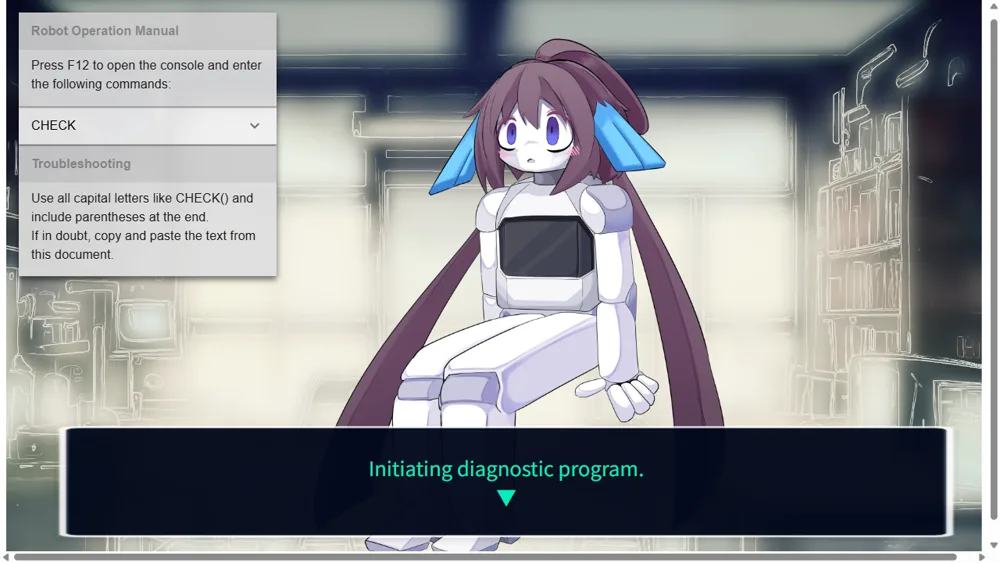
What makes it different from an ordinary visual novel is that you operate the robot through a real developer console. Press F12 to open your browser’s console, type commands like CHECK() or OPENHATCH(), and Cocoro’s body responds exactly as instructed. Moving back and forth between the screen and the console — that gap is what this game really is.
But when you try to replace her battery, Cocoro refuses. It was a precious gift from the girl who used to own her. How will you handle the “command” that binds her? Your final command decides how this story ends.
screenshots
HELP()
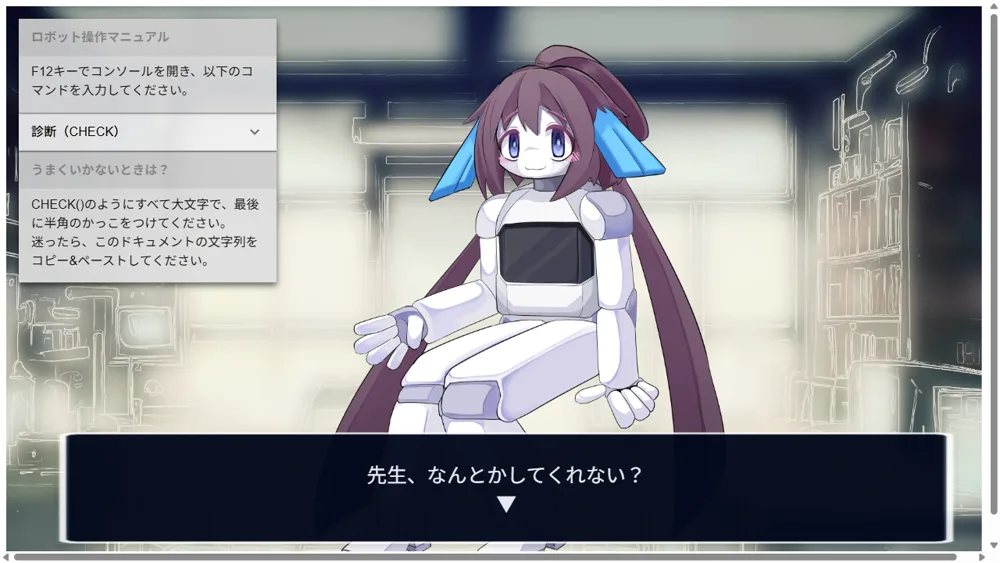
Pick a language and listen
Choose one of three languages, hear out Cocoro's problem, and move the conversation forward with choices. Mouse only so far.
Open the console with F12
The game asks you to open the console. Press F12 (or right-click → Inspect) to open your browser's developer console.
Type the commands
Type CHECK() to run a diagnosis, OPENHATCH() to open her belly hatch, and so on. The on-screen manual shows every command, so you can just copy & paste.
FAQ
- Do I really use the F12 developer console?
- Yes — that's the whole trick. The console developers normally use becomes your workbench for operating the robot. Every command is listed in the in-game manual, so no programming knowledge is needed.
- Is it free?
- Yes. It plays in the browser for free, no installation required.
- Can I play on mobile?
- It's desktop-browser only, because it relies on the developer console.
- How long is it?
- A short piece, about 15 minutes per playthrough.
- Is there only one ending?
- No. The final command you give Cocoro decides how the story ends.
- What languages are supported?
- Japanese, English and Korean — you choose at the start.